
Audi Q3: Tires with Emergency Running Characteristics, Repairing
Wheel and Tire General Information / Chassis / Audi Q3 (8U) 2011-2018 Service Manual / Tires with Emergency Running Characteristics, Repairing
General Information
 Caution
Examining damaged tires should only be performed by trained personnel.
 WARNING
- Run-flat tires must be replaced after they have gone flat.
- Pay close attention to the installation instructions.
- The wheel must be inspected before mounting, as with conventional wheel/tire systems.
- The wheels should be checked for damage after a flat tire (true running, axial run-out, other damage) because the wheel could be damaged in an emergency by driving through a pothole.
- A damaged wheel should be replaced.
 Note
Note
- Flat tire sprays may be used on tires with emergency running characteristics (SST).
- Tires must be replaced after running flat.
- Observe the manufacturer mounting instructions.
Special Tools
Special tools and workshop equipment required
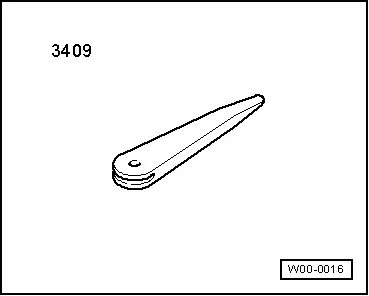
- Trim Removal Wedge -3409-
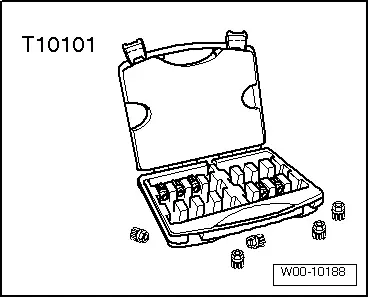
- Wheel Lock Set -T10101-
- Wheel Lock Set -T10101A-
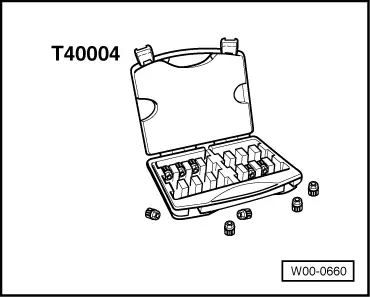
- Wheel Lock Set -T40004-
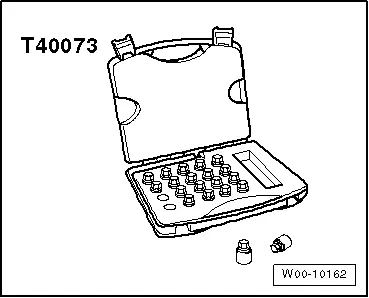
- Wheel Lock Set -T40073-
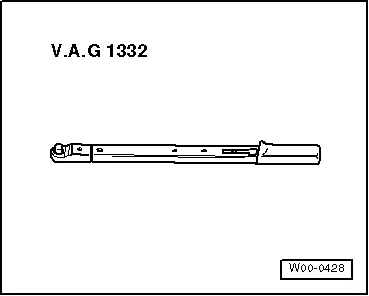
- Torque Wrench 1332 40-200Nm -VAG1332-
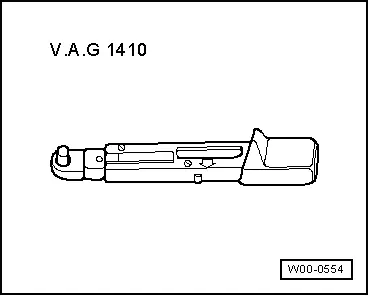
- Torque Wrench 1410 -VAG1410-
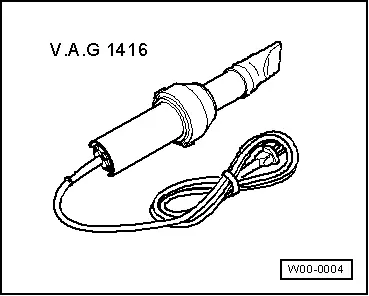
- Hot Air Blower -VAG1416-
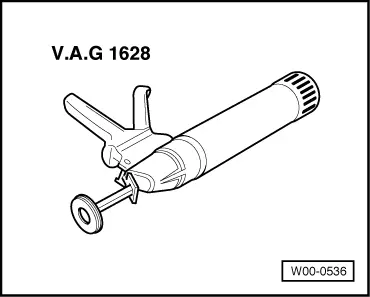
- Cartridge Gun -VAG1628-
- Wheel Centering System Adapter -VAS5271-
- Hunter RFT33VAG Road Force Touch Wheel Balancer -VAS6230B4-
- Wheel Balancer Clamping Adapter - 5 Lug -VAS6243-
- Tension Plate -VAS6652-
- Pressure Bolt -VAS6652/1-
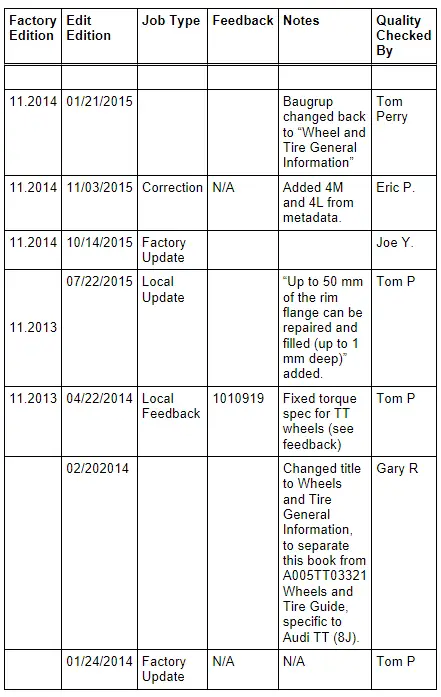
Revision History
DRUCK NUMBER: A00ARRA0021
READ NEXT:
 General, Technical data
Safety Precautions
Start/Stop System Safety Precautions
When Working on Vehicles with the Start/Stop System, Observe
the Following:
WARNING
Danger of personal injury because the engineSEE MORE:
Antenna Wires, Repairing
Aerial Cable Repair Set VAS6720
Special tools and workshop equipment
required
Aerial Cable Repair Set -VAS6720-
The Aerial Cable Repair Set -VAS6720- makes it possible to
perform a quality repair on antenna wires RG 174 (blue) and RTK
031 (black). The set contains the insulation remova
Refrigerant Circuit, Cleaning (Flushing), with Refrigerant R134a
General Information
Vehicles with a High Voltage System (Hybrid Vehicles)
Extremely Dangerous Due to High-Voltage
The high-voltage system is under high-voltage. Death or serious
bodily injury by electric shock.
- Individuals with electronic/medical life- and health sustaining
machines i
© 2019-2026 Copyright www.auq3.net | 0.0113
